
My Gemini capsule shows up in a red-ish theme with a skyscraper icon in Lagrange. Can I customize this somehow?
Discussion
Loading...
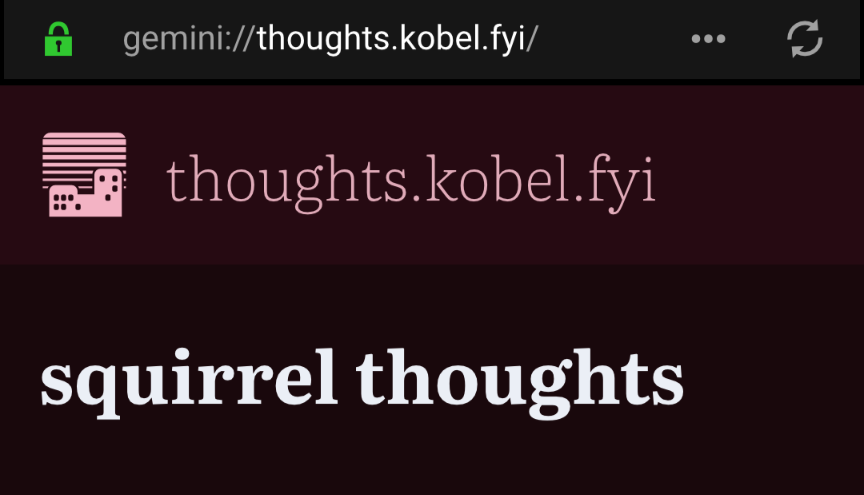

@squirrel It's client side. You don't have to worry much, cheers!


@squirrel i remember there's an option in lagrange

@squirrel You can customise the bg and fg colours, and the fonts and styles in Preferences. I'm not sure about the Icon though
@ruenoak That's just clientside though. The icon and theme color seem to be the same for everyone viewing the capsule.
@squirrel Just looked at the release notes, Lagrange uses Autogenerated page styles. You could ask the devs if there is a way to override them. But this would only work for your instance of Lagrange no one elses.
@ruenoak I figured they must be auto generated. But why is my capsule showing red with the skyscraper icon for every Lagrange user then? That's why I'm thinking it can't be all clientside.
@squirrel That's how Gemini works though doesn't it? The capsule doesn't have any style it's just plain text all the styling is done by the client from my understanding. I'm not sure how Lagrange styles gem pages, I know other browser you can use custom style sheets.

@squirrel The colour scheme can be somewhat modified with the "Appearance" and "Theme" settings. The icon is chosen by Lagrange itself somehow, and as far as I know can't be changed.
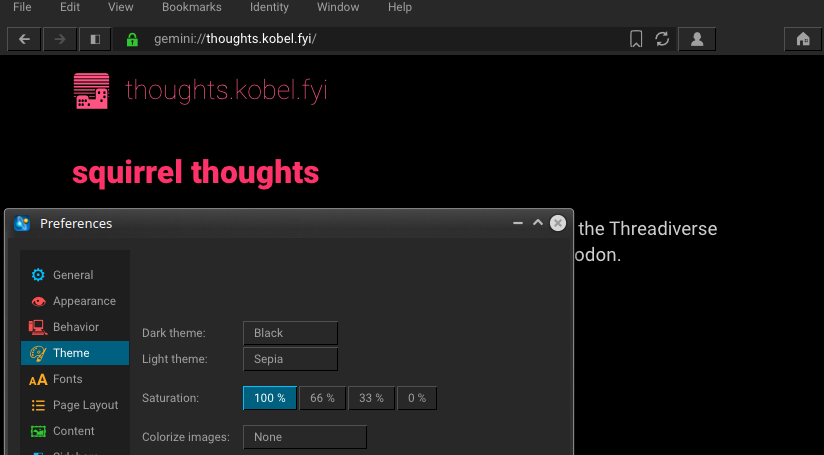
@johnny These are just clientside though. My capsule shows up red with the skyscraper icon on two different devices of mine in Lagrange and now I'm seeing the same red theme and icon when you view the capsule, so it can't be completely random. That's why I'm thinking there must be some serverside thing that defines theme and icon.

@squirrel yes. But forgot how. :)