Discussion
Loading...

Post

Log in
  • About
  • Code of conduct
  • Privacy
  • About Bonfire
Scott Wilson
Scott Wilson
@scottwilson@infosec.exchange  ·  activity timestamp 3 days ago

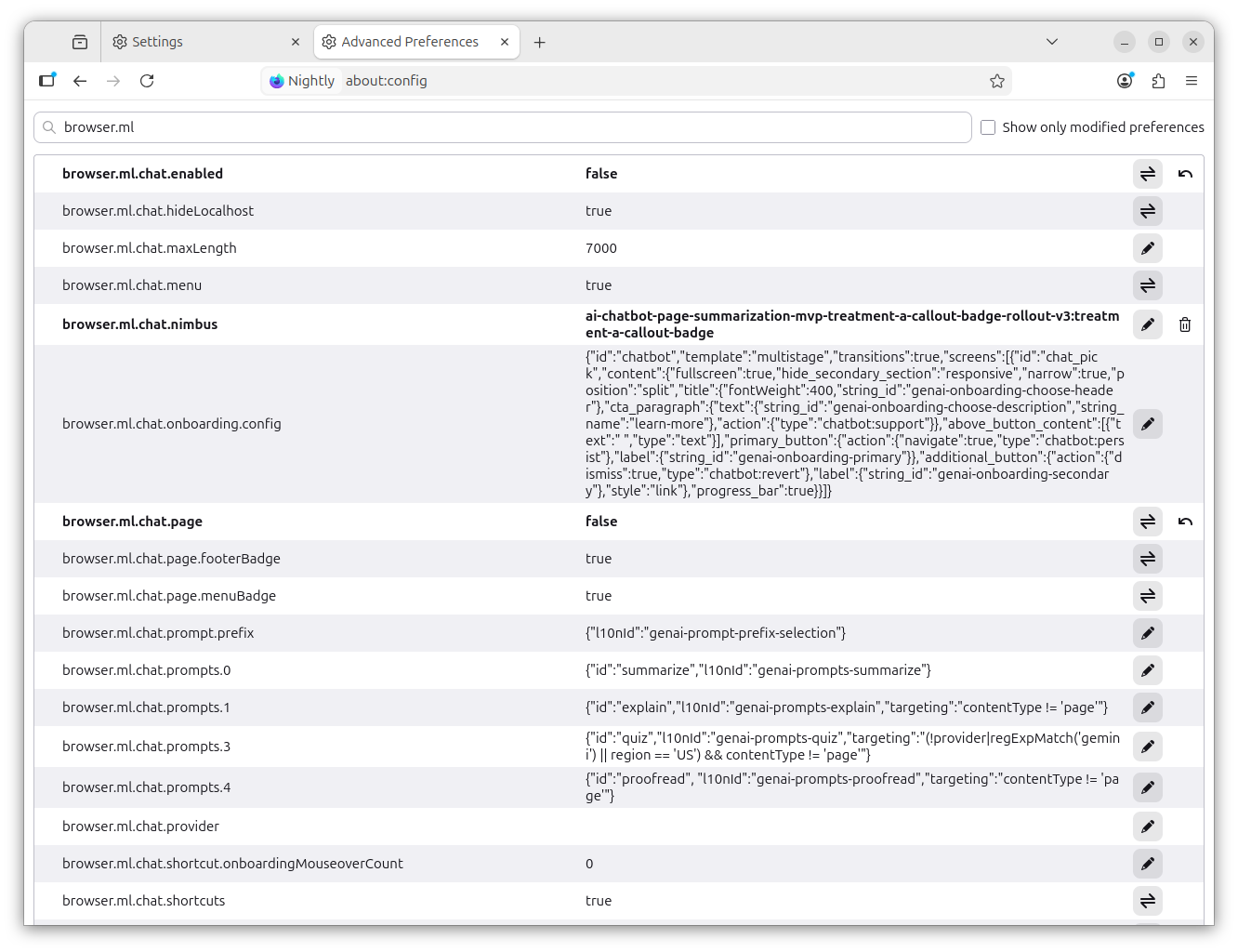
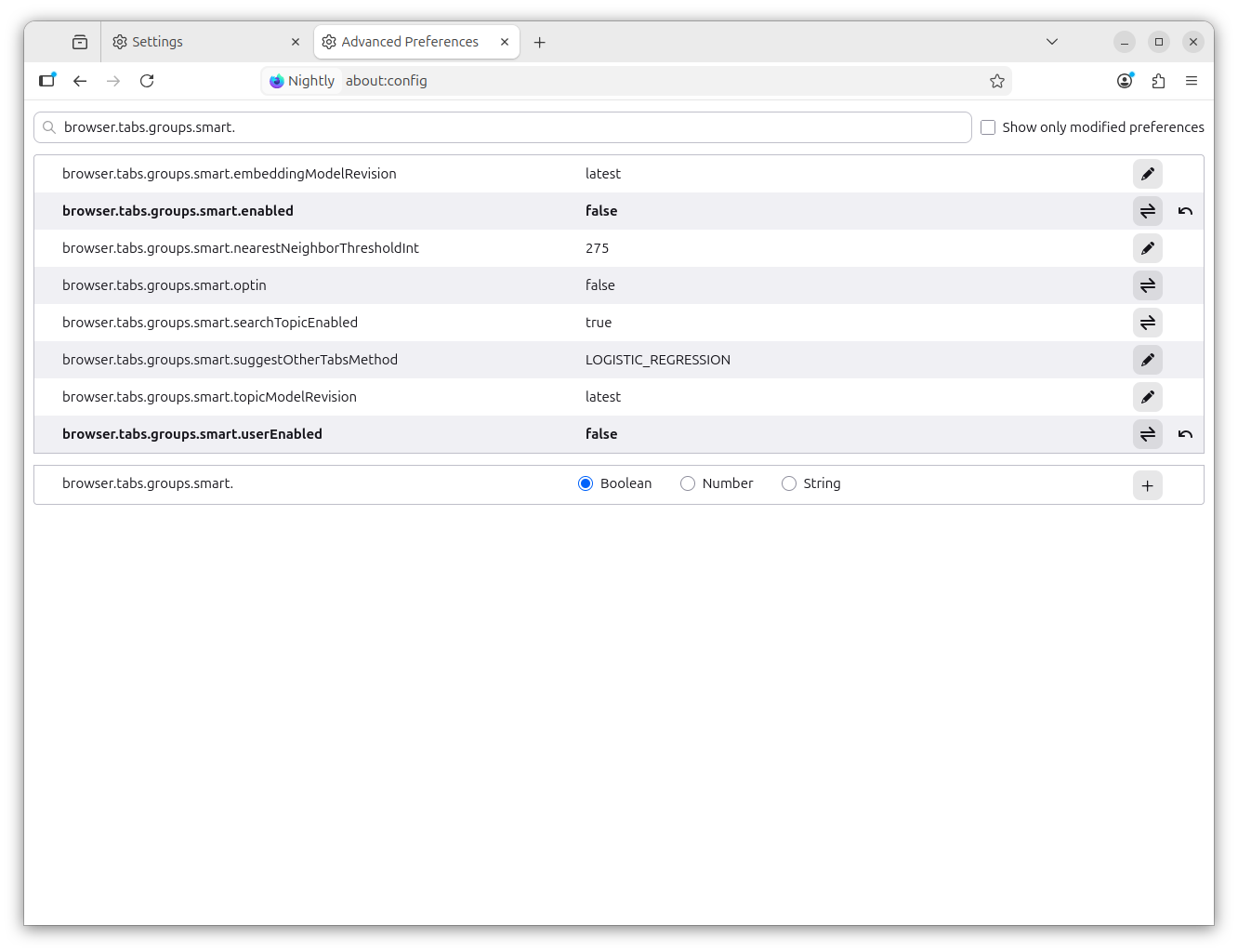
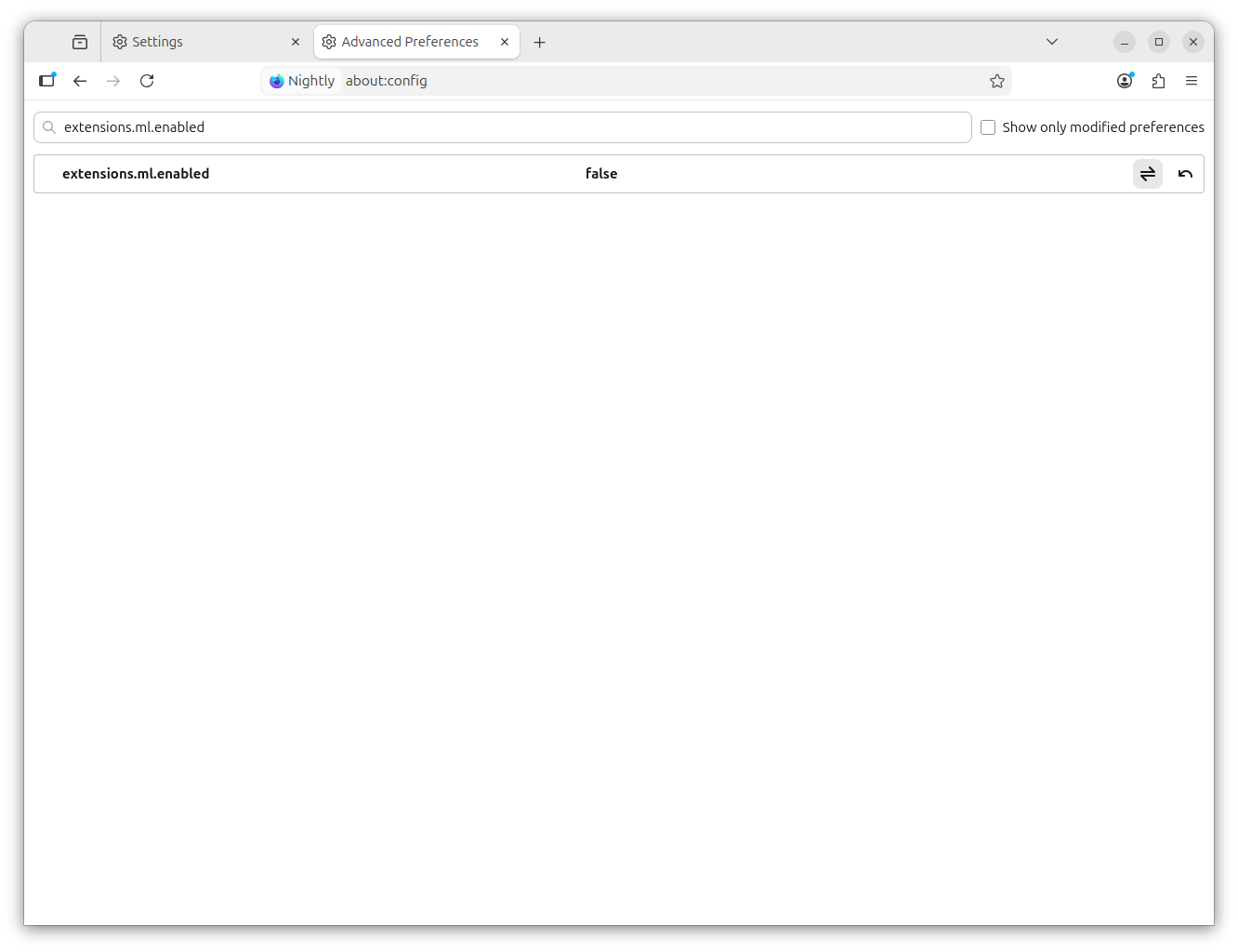
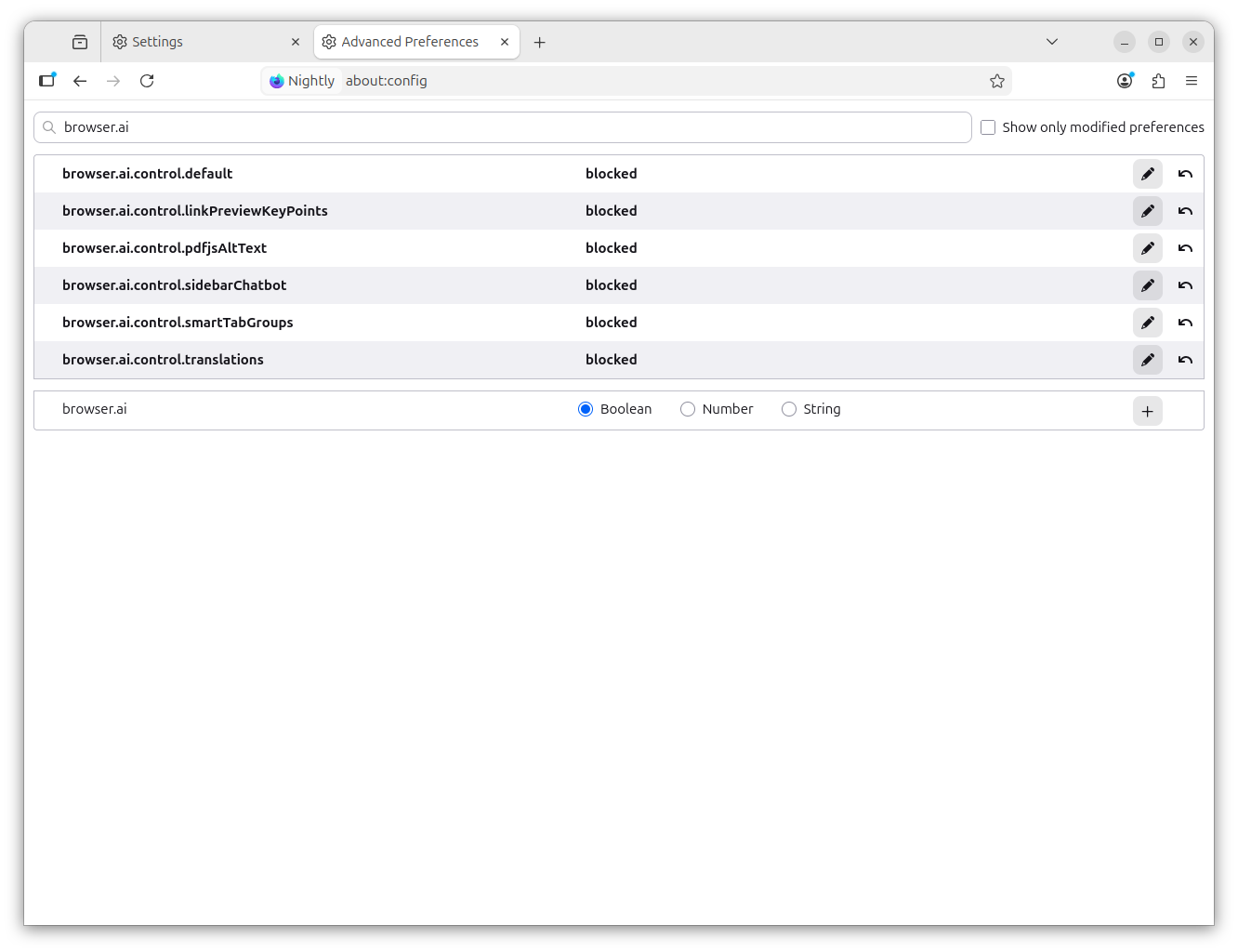
I downloaded and fired up Firefox Nightly (2026-02-03) to test the #AI "kill switch" to see how it works.

So far, so good. It does appear that the "kill switch" disables the settings that people are turning off in about.config. See 5 screenshots below.

Also, Mozilla has published a support article detailing how to disable the #AI features:

https://support.mozilla.org/en-US/kb/firefox-ai-controls

#Firefox #Mozilla #AI #browsers

Block generative AI features with Firefox AI controls | Firefox Help

Learn which AI features are available in Firefox and how to control or disable them in settings.
  • Copy link
  • Flag this post
  • Block
Scott Wilson
Scott Wilson
@scottwilson@infosec.exchange replied  ·  activity timestamp 3 days ago

Additional screenshots from Firefox Nightly, 2026-02-03

4 media
Additional screenshot showing about:config AI-related settings, from Firefox Nightly, 2026-02-03
  • Copy link
  • Flag this comment
  • Block
Scott Wilson
Scott Wilson
@scottwilson@infosec.exchange replied  ·  activity timestamp 3 days ago

IMPORTANT CAVEAT about Mozilla's KB article about the #AI "kill switch":

"The AI controls do not include some Firefox features that rely on traditional machine learning, as well as features that are controlled by third parties."

Think: Firefox Suggest, Mozilla Sponsored Content, etc.

Link (same one I posted at top of thread): https://support.mozilla.org/en-US/kb/firefox-ai-controls

Block generative AI features with Firefox AI controls | Firefox Help

Learn which AI features are available in Firefox and how to control or disable them in settings.
  • Copy link
  • Flag this comment
  • Block
Taggart
Taggart
@mttaggart@infosec.exchange replied  ·  activity timestamp 3 days ago

@scottwilson Are the features opt-in or out? It seemed like there was some confusion on that point. Last I saw was that the features were visible, but not activated without user consent.

  • Copy link
  • Flag this comment
  • Block
Scott Wilson
Scott Wilson
@scottwilson@infosec.exchange replied  ·  activity timestamp 3 days ago

@mttaggart Well, they are opt-out. So when you launch Firefox, all the AI options are ENABLED.

I will say, disabling them is very clear and not a huge lift. Of course, it'd be nicer if the functions were opt-in.

  • Copy link
  • Flag this comment
  • Block

BT Free Social

BT Free is a non-profit organization founded by @ozoned@btfree.social . It's goal is for digital privacy rights, advocacy and consulting. This goal will be attained by hosting open platforms to allow others to seamlessly join the Fediverse on moderated instances or by helping others join the Fediverse.

BT Free Social: About · Code of conduct · Privacy ·
Bonfire social · 1.0.1 no JS en
Automatic federation enabled
Log in
  • Explore
  • About
  • Code of Conduct